

Make a lyric video from your song.
Kinetune is a lyric video maker for musicians. Upload a track: every word is timed to the vocals, a whole video is cut on the beat at once, and it is built for vertical, wide and square screens.
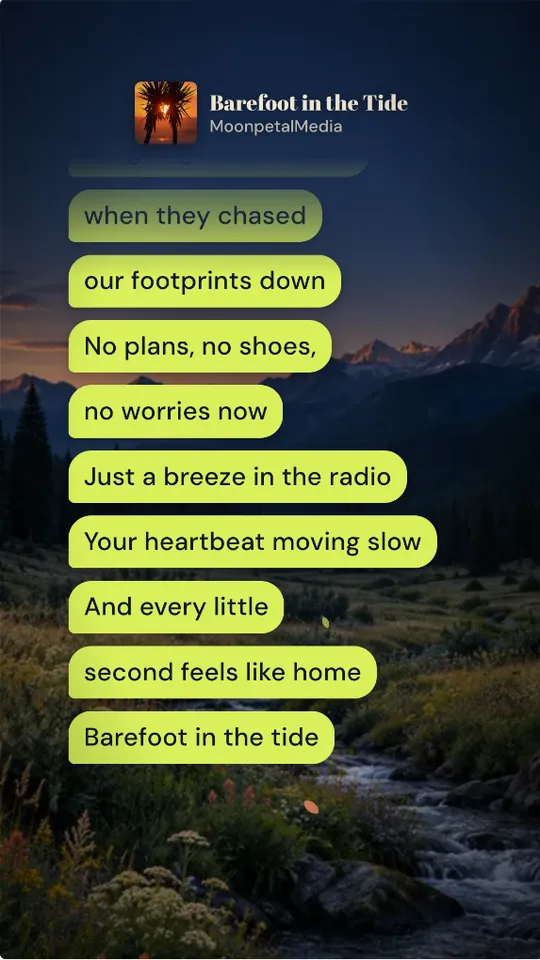
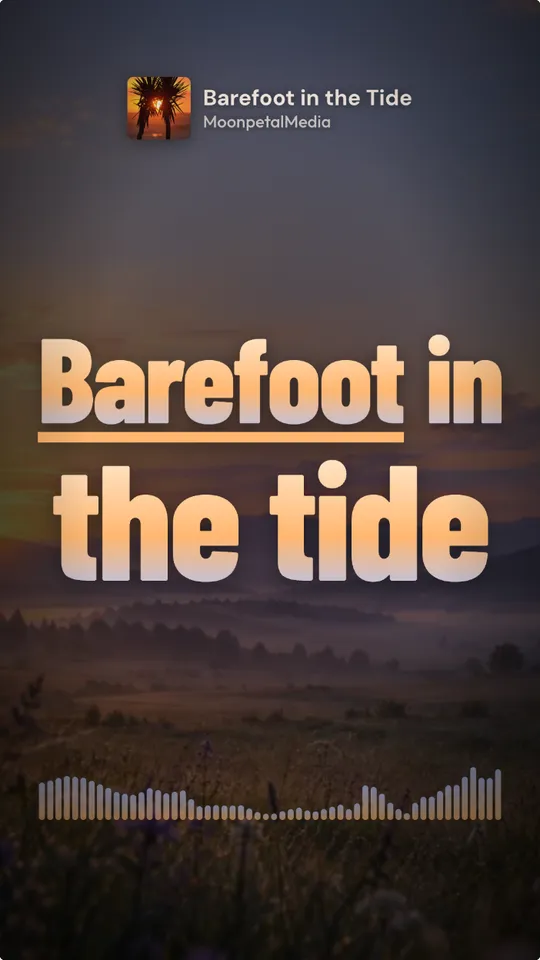
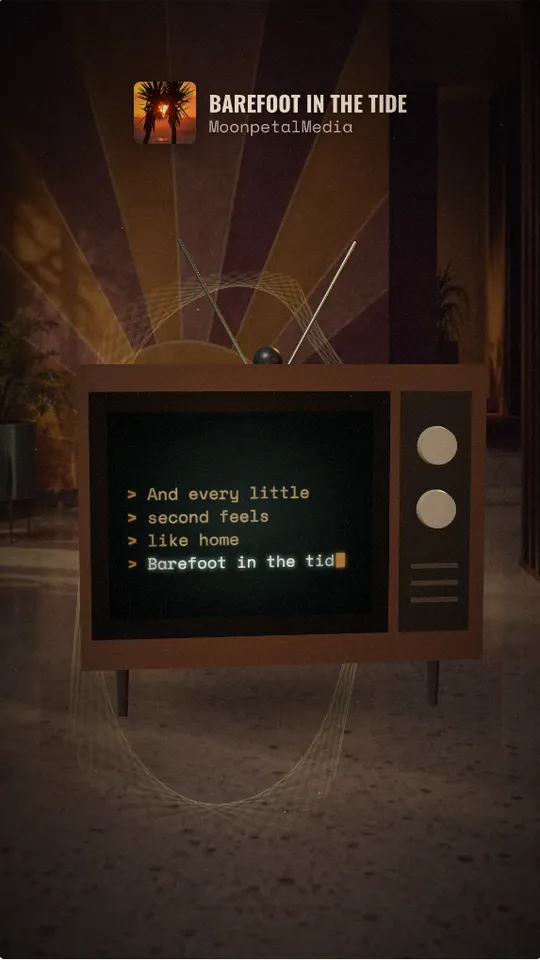
Every word, on the beat.
How Kinetune hears “Barefoot in the Tide”
0:41–0:49 · 97 BPM · English
Waveform, beats and word timing
- Walking42.3s
- side42.8s
- by43.3s
- side43.5s
- Moon44.9s
- hanging45.4s
- low45.9s
- Fire46.2s
- in47.3s
- your48.3s
- eyes48.5s
The look
Ready at once
Colors, fonts, layout for each format, one of 63 lyric styles and moving 3D visuals, all chosen from your song. Change anything; your style stays for your next single.
Background
- Clips cut on the beat
- From our library, stock or your own
- Or a visualizer
You get
- 9:16 · 16:9, each composed for its frame
- 1080p MP4 files, plus a web copy and a cover frame
- The whole song, or any part of it from 8 seconds
Then make it yours, word by word.
Your words, where they’re sung.
Paste your lyrics and each word lands on the singing. Fix one, and every video of the song has it.
Cut on the beat.
Fewer cuts or more, always on the beat. Add one anywhere, drag it, and it snaps to the nearest beat.
Your clips, or ours.
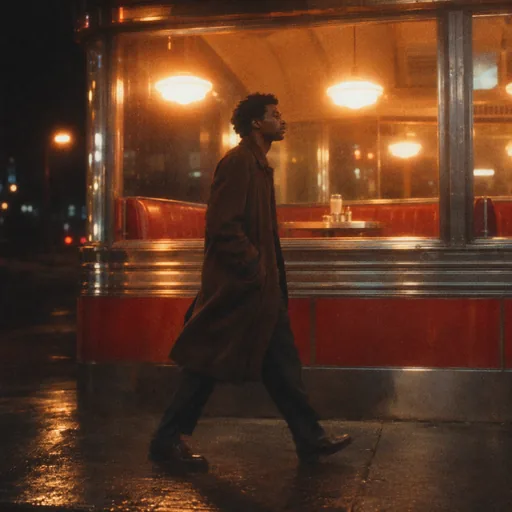
Real footage in moods, or your own folders. Shuffle deals a new cut in one tap.
63 styles, all moving.
Every lyric style plays on your song the moment you pick it.
Or let the song draw it.
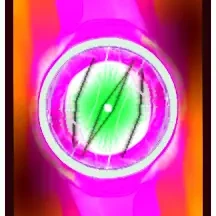
Switch to Visualizer: hundreds of visuals that move with your beats and voice.
63 ways to move your words.
Objects that carry your words
Your cover spinning as the label of a record, a CRT TV typing your lyrics, a boombox display, a phone receiving them as texts, glass shapes bending them.
Behind you
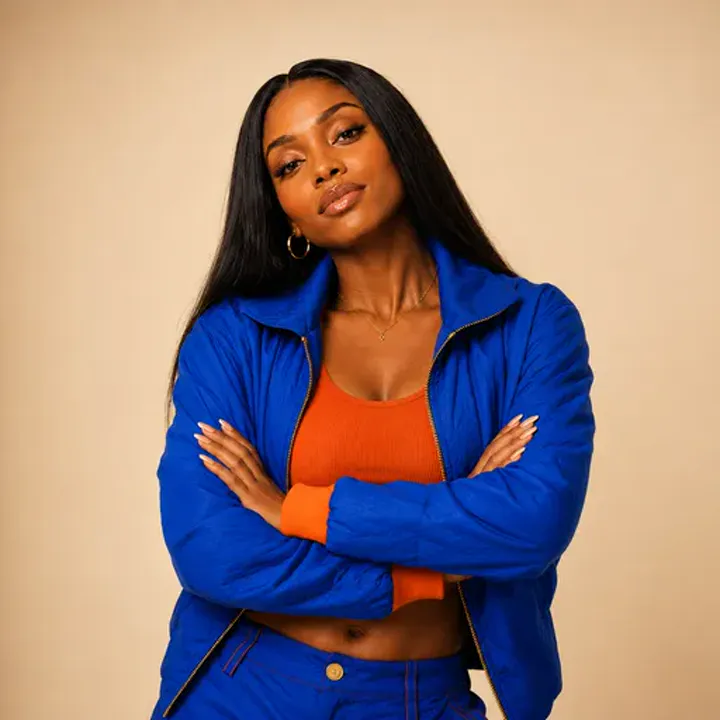
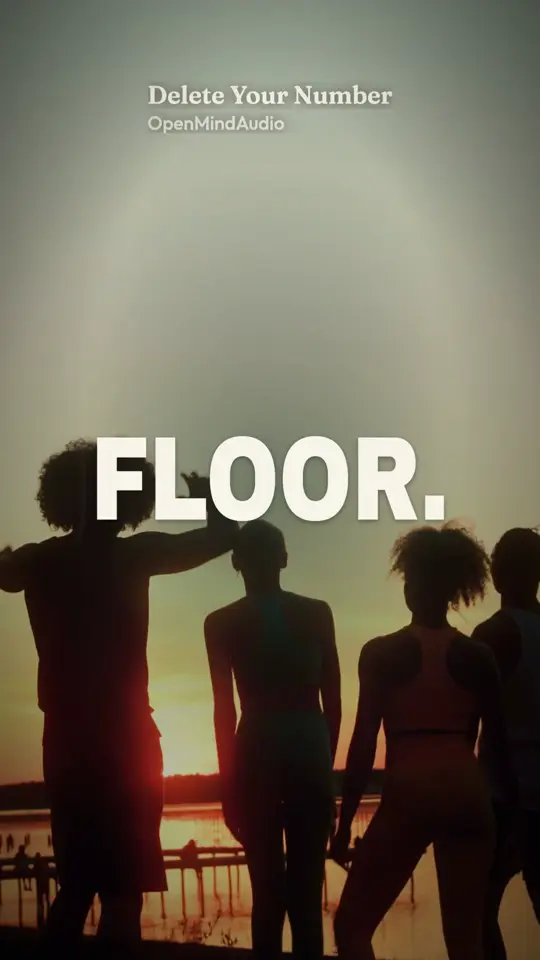
Giant words stacked behind the person in your clips, who stands in front of them.
On a screen in the picture
Your lyrics typed onto a billboard, a phone or a monitor inside the scene, in perspective.
Effects on the beat
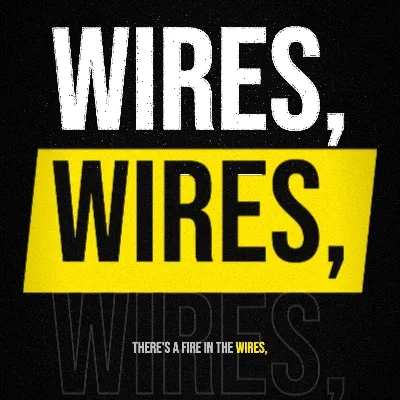
Lines that burn in, bleed like ink, form out of smoke, gather from sparks or drip away, and rain running down the window.
How to make a lyric video.
From your song to a video for every screen. No lyrics to type, nothing to wait for before you see it.
Pick a song
Add the master as MP3, WAV or M4A, or find yourself once and pick from the songs you’ve released. Kinetune listens once: it writes down the lyrics (or lines up yours), times every word and maps the beats and sections.
It’s ready at once
Pick the part and the shape. A whole video is cut on the beat straight away, playing with your song.
Change anything
It opens in the editor: retime a word, move a cut onto the beat, Shuffle the clips or replace one, try any lyric style while it plays.
Make it
The exact credit cost shows before anything is made; credits are taken once it is delivered, and a failed render gives them back.
Every format, composed for its frame.
One lyric video can come in all three shapes, each laid out for its own screen instead of cropped from one wide master.
What you get
- Formats
- 9:16 for TikTok, Reels and Shorts · 16:9 for YouTube
- Files
- A 1080p MP4 for each format, plus a web copy and a cover frame
- Length
- The whole song, or any part of it from 8 seconds
- Lyrics
- Every word timed to the vocals, in English, Spanish, Portuguese, French, German, Japanese, Korean and more
- Backgrounds
- Clips cut on the beat, from stock feelings or your own clip folders, or a visualizer that moves with the song
- Your files
- Audio as MP3, WAV or M4A up to 250 MB; the cover as a square JPEG or PNG from 1000×1000 px
- Variations
- Up to 4 cuts of one song in one go, each with other clips
- Rights
- Commercial use on every plan, for the songs, covers and photos you have the rights to
Built from your song, made yours.
Every lyric video starts from your song: its tempo, its feeling in each part, its beats and its chorus pick the lyric style, the clips and how they cut, so a ballad breathes and a dance track hits. Change anything, and your lyric style and clip folders stay for the next single.
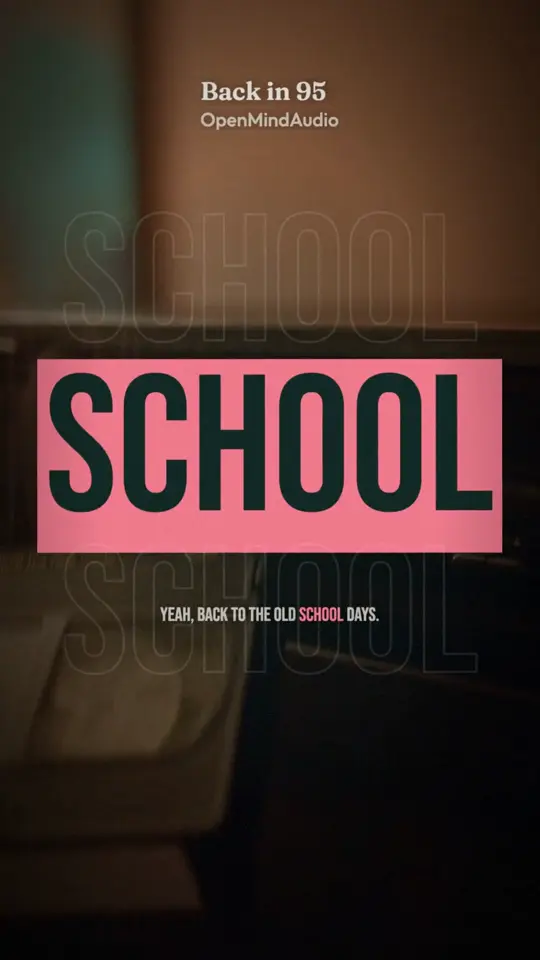
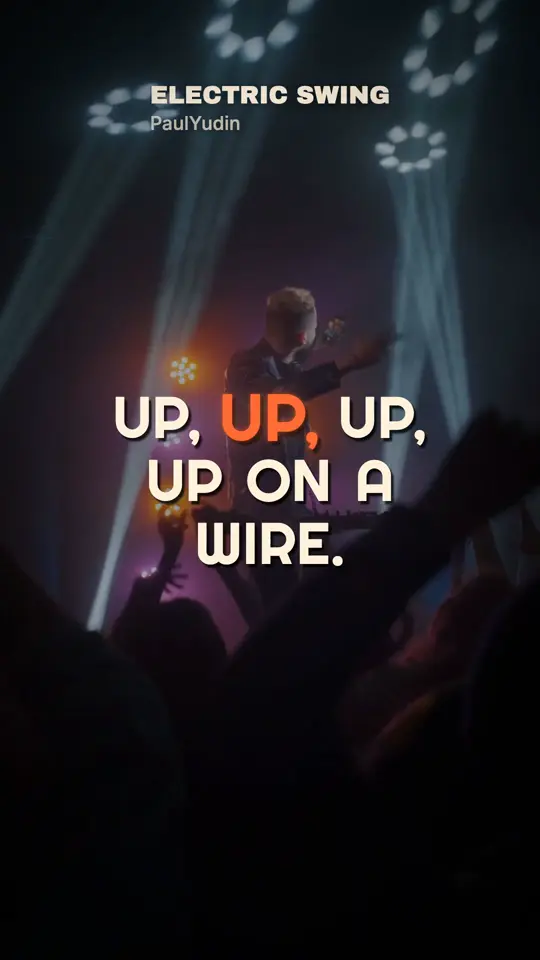
A lyric style is how the words move: kinetic type, words on 3D objects such as a turntable or a CRT TV, words stacked behind the singer in your clips, or lines that burn, bleed or drift in like smoke. Compare every lyric style.
Lyric styles · 63
- Showcase
- Block stack
- Punch
- Depth scatter
- Neon
- Terminal
- Cinematic
- Player
- Lo-fi
- Zine
- Glitch
- Pop art
- Dreamy
- Chrome
- Visualizer
- Minimal
- Outline
- Messages
- Vinyl
- Album
- Retro TV
- Cube
- Boombox
- Phone
- Glass
- Embers
- Ink
- Smoke
- Stardust
- Drip
- Rainy window
- On screen
- Behind
- Big type
- Chant
- Doodle
- Highlight
- Smear
- Twin
- Marquee
- Gilded
- Sparkle
- Flare
- Circuit
- Spark
- Loose
- Slab
- Stamp
- Whisper
- Tiles
- Nested
- Pair
- Tall
- Baton
- Mixtape
- Trail
- Caption
- Focus
- Hush
- Dusk
- Murmur
- Steel
- Sway
The price before you make it.
Videos are paid in credits. The quote shows exactly what a lyric video costs, line by line, before anything is made, and nothing is taken until it is delivered.
Plans start at $10 a month with monthly credits, and credit packs from $12 never expire. No paid plan limits quality, resolution or formats.
What a lyric video costs
In one format, by length: clips or a visualizer cost the same
- 15 s49credits≈ 39¢
- 30 s49credits≈ 39¢
- 1 min57credits≈ 46¢
- Whole song, 2:4790credits≈ 72¢
AI clips · on top, only if you make them
- Each image6credits
- Each videofrom141credits
Timed to every word, at 1080p, no watermark. Each extra format adds 9 credits per started half-minute.
Dollar figures at Creator’s monthly price, 0.80¢ a credit. Yearly plans cost less.
Questions about lyric videos
Something else? Ask us.
What is a lyric video maker?
Do I need to type or upload my lyrics?
Can I edit the video myself?
Can I bring in songs I already released?
Which formats can I make?
How is my video built?
Can I use my own photo or video as the background?
Can I make a lyric video for part of a song?
Can I make a lyric video for free?
How much does a lyric video cost?
More from your song
- Lyric video editorEdit a lyric video on a timeline: every word on its time, cuts that snap to the beat, clips you replace or shuffle, every lyric style playing on your song.
- Music visualizerA music visualizer from your song: hundreds of liquid and 3D visuals that move with its beat and voice, your lyrics timed on top.
- Music video makerAI music videos from your song and a photo of the artist: performance, story, cinematic and surreal, lip-synced to your vocal, the exact price first.
- AI song generatorMake a song for your artist with AI: from an idea or your lyrics, lyrics written for you, Mureka, Lyria and Eleven Music, even in your own voice. One to four takes, the price first.
- Artist pageA free artist page and link in bio at kinetune.com/@you: your new release, where to listen, your videos, releases and profiles.
- Spotify Canvas makerMake a Spotify Canvas in an editor: clips, your cover or a visualizer, looped your way, 3 to 8 seconds at Spotify's size, ready for Spotify for Artists.
- Cover art makerCover art made from your song: 13 styles, one to four ideas a round, your name designed in, 3000 × 3000 for Spotify, Apple Music and your distributor.
- Lyric videos for AI musicAI music videos, lyric videos and Spotify Canvas for songs made with Suno, Udio and other AI music tools, or made right in Kinetune.