

A lyric video editor that starts finished.
Kinetune drafts your lyric video in seconds, every word on the singing and every cut on the beat, then opens it in an editor where you change anything while it plays.
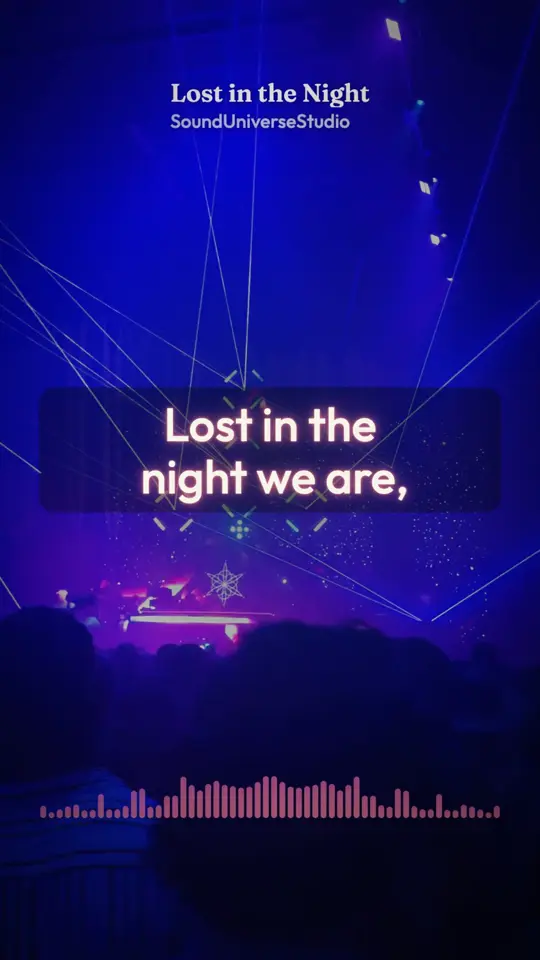
Then make it yours, word by word.
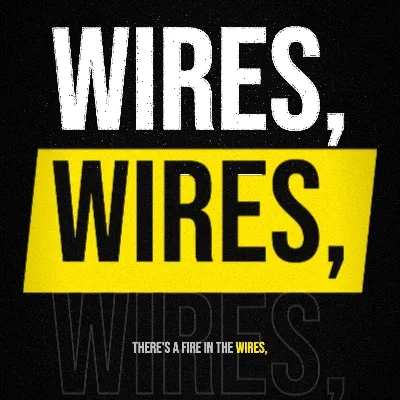
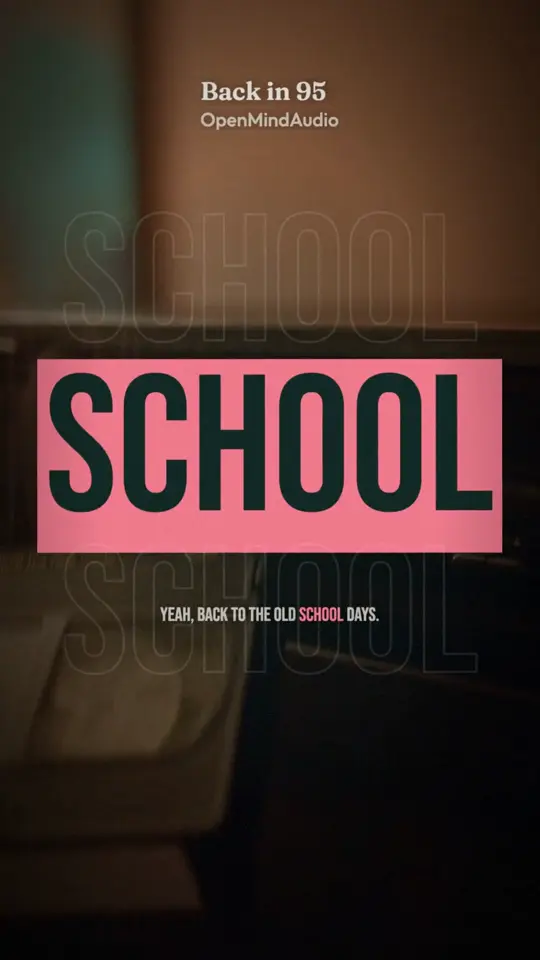
Your words, where they’re sung.
Paste your lyrics and each word lands on the singing. Fix one, and every video of the song has it.
Cut on the beat.
Fewer cuts or more, always on the beat. Add one anywhere, drag it, and it snaps to the nearest beat.
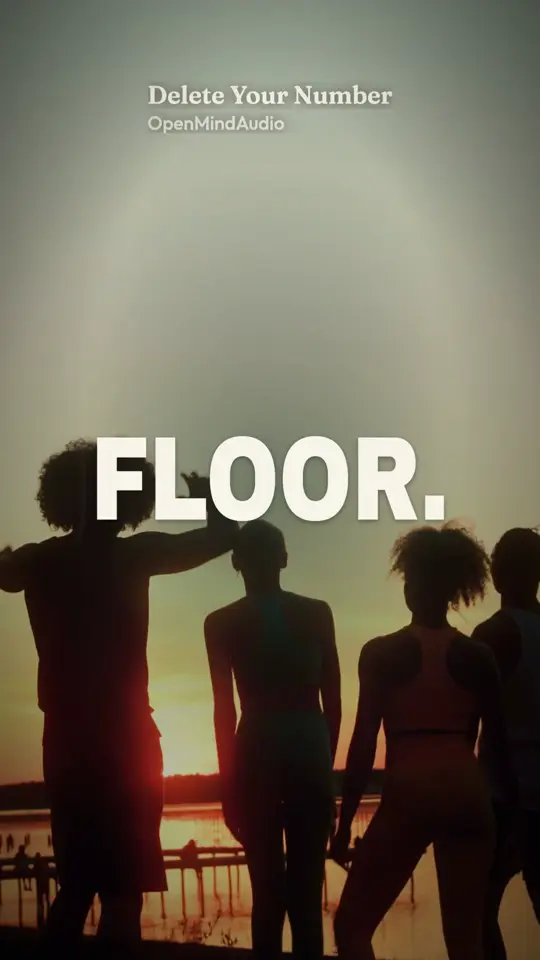
Your clips, or ours.
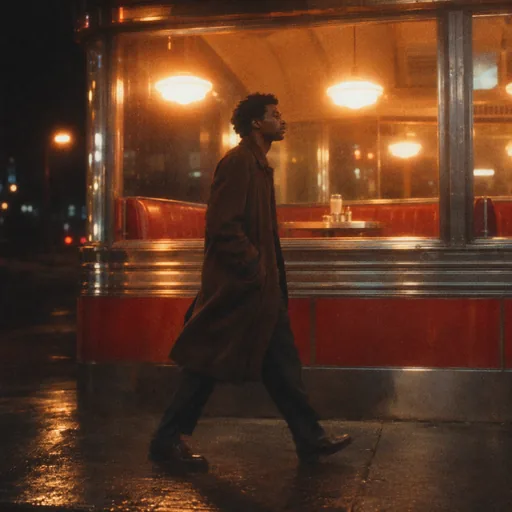
Real footage in moods, or your own folders. Shuffle deals a new cut in one tap.
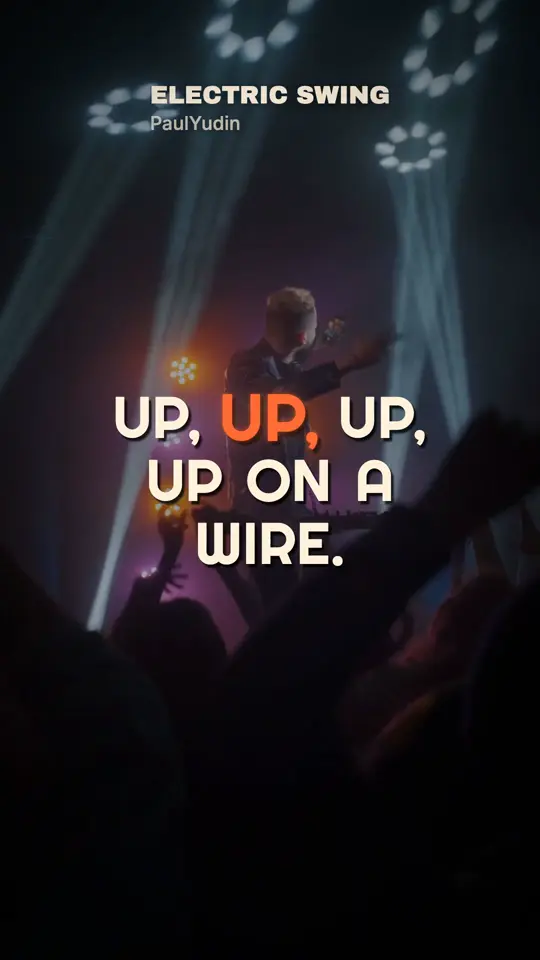
63 styles, all moving.
Every lyric style plays on your song the moment you pick it.
Or let the song draw it.
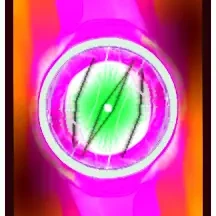
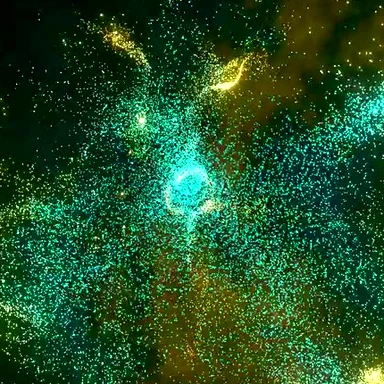
Switch to Visualizer: hundreds of visuals that move with your beats and voice.
What you can change.
Everything plays with your song while you work: nothing to render before you see it. See every lyric style.
The words
Paste your lyrics and each word lands on the singing. Fix a word, drag it to its time, hide a line, censor a swear.
The cuts
One clip, fewer, even or more cuts, always on the beat. Add one anywhere, drag one and it snaps; pick each transition.
The clips
Stock feelings, your own folders, or clips generated with AI from your song. Replace one clip, or Shuffle to deal a new cut in one tap.
The look
63 lyric styles, each moving on your song, words behind you, effects and grades with a strength, or a Visualizer instead of clips.
The editor, in short.
What's in it
- Timeline
- Your words, the cuts and the waveform, with scrubbing and zoom
- Cuts
- Snap to the beat; one clip, fewer, even or more; a transition per cut
- Clips
- Stock feelings and your own folders; Replace one, Shuffle the rest
- AI clips
- Made from your song or cover, with you in them, by Seedance v1.0 Pro or MiniMax H3 Max Turbo
- Effects
- Words behind you, faces kept clear, photos moving in depth, grades and effects
- Lyrics
- Your own lyrics lined up with the singing, every word movable
- Styles
- 63 lyric styles, each previewed on your song
- Visualizer
- Visuals that move with the beats and voice, instead of clips
- Formats
- 9:16 and 16:9, each laid out for its own frame
- Price
- The exact credit price before you make it; Free plan videos cost nothing
Questions about the editor
Something else? Ask us.
What is a lyric video editor?
Do I have to edit anything?
Can I fix a misheard word?
How do the cuts work?
Where do the clips come from?
Can I make clips with AI?
Can the words go behind me?
Can I change the lyric style after?
What is the Visualizer?
Can I try the editor for free?
More from your song
- Lyric video makerMake a lyric video from your song: every word timed to the vocals, clips cut on the beat, 63 moving lyric styles, an editor for every detail, the exact price first.
- Music visualizerA music visualizer from your song: hundreds of liquid and 3D visuals that move with its beat and voice, your lyrics timed on top.
- Music video makerAI music videos from your song and a photo of the artist: performance, story, cinematic and surreal, lip-synced to your vocal, the exact price first.
- AI song generatorMake a song for your artist with AI: from an idea or your lyrics, lyrics written for you, Mureka, Lyria and Eleven Music, even in your own voice. One to four takes, the price first.
- Artist pageA free artist page and link in bio at kinetune.com/@you: your new release, where to listen, your videos, releases and profiles.
- Spotify Canvas makerMake a Spotify Canvas in an editor: clips, your cover or a visualizer, looped your way, 3 to 8 seconds at Spotify's size, ready for Spotify for Artists.
- Cover art makerCover art made from your song: 13 styles, one to four ideas a round, your name designed in, 3000 × 3000 for Spotify, Apple Music and your distributor.
- Lyric videos for AI musicAI music videos, lyric videos and Spotify Canvas for songs made with Suno, Udio and other AI music tools, or made right in Kinetune.