

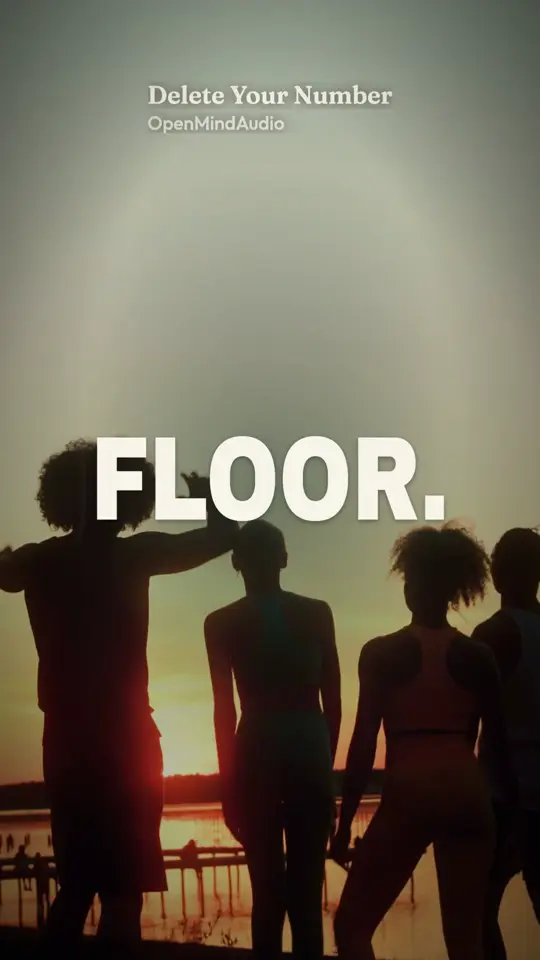
Create or bring the song
Create one in Kinetune and it's already in your music. From Suno or Udio, download the MP3 or WAV and its cover.
your-song.wavcover.jpgor made in Kinetune
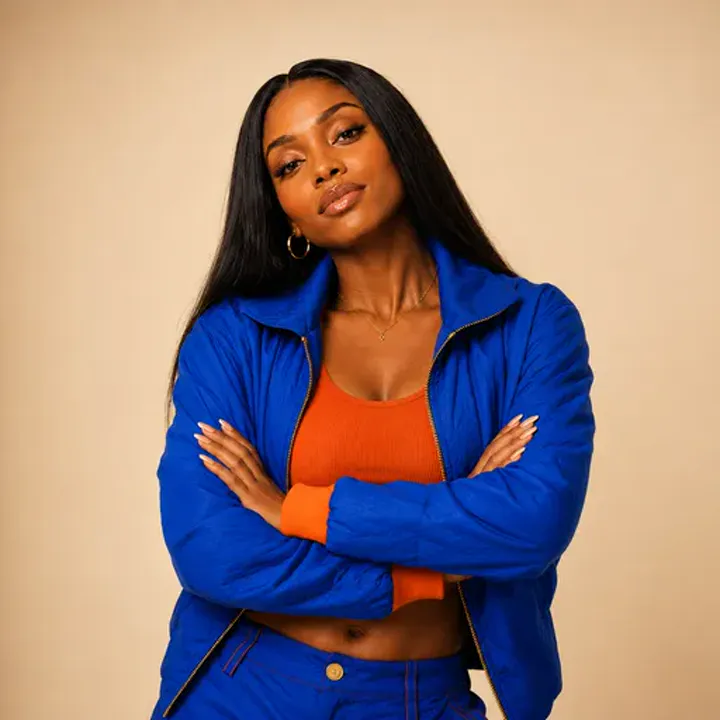
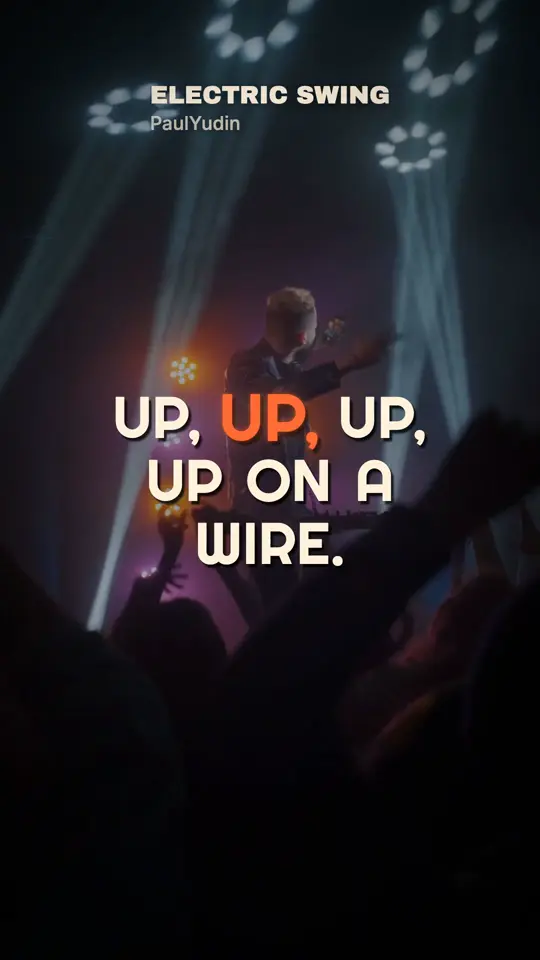
Made a track with Kinetune, Suno, Udio or another AI music generator? Turn it into an AI music video with the artist performing or a cinematic story, a lyric video timed to every word, and a Spotify Canvas loop.
No track yet? Make it in Kinetune, even in your artist's own voice. It's ready for videos the moment it's done.

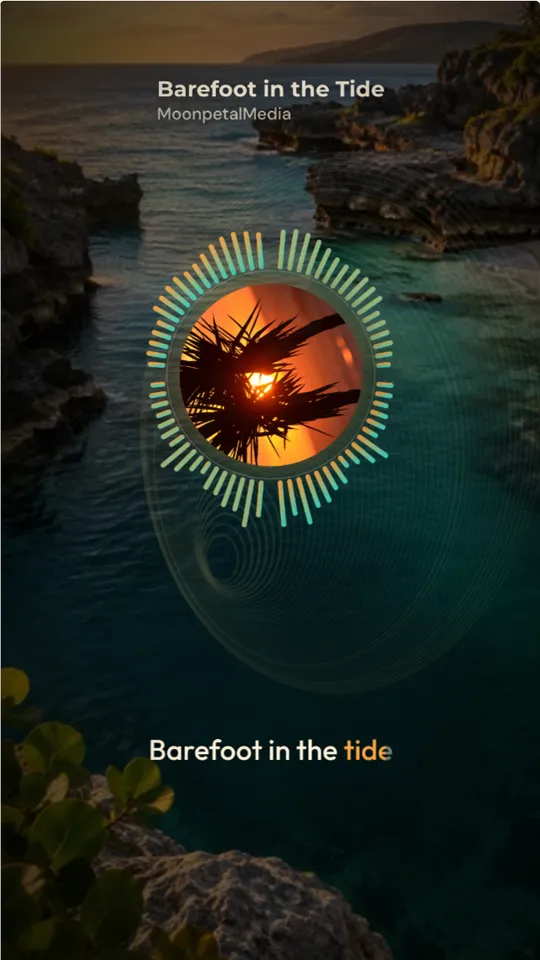
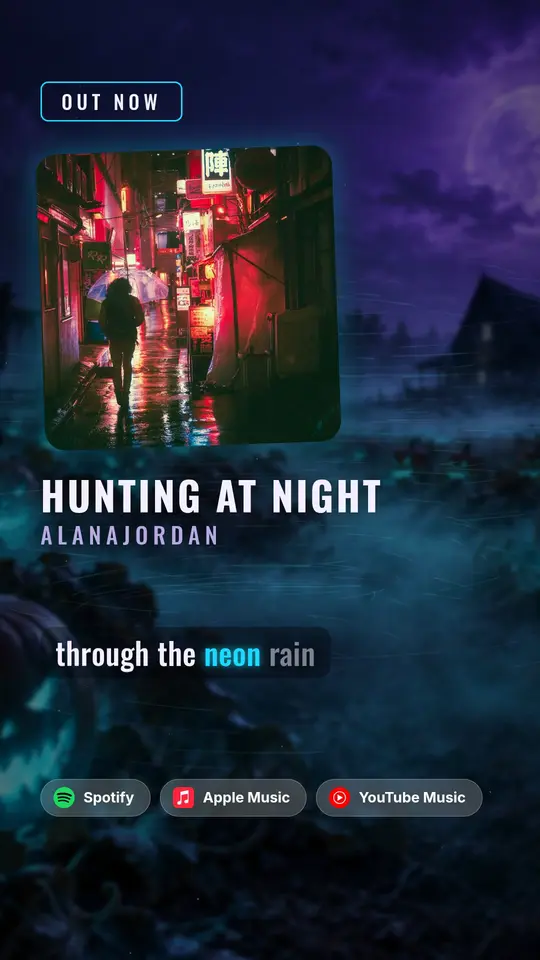
Create one in Kinetune and it's already in your music. From Suno or Udio, download the MP3 or WAV and its cover.
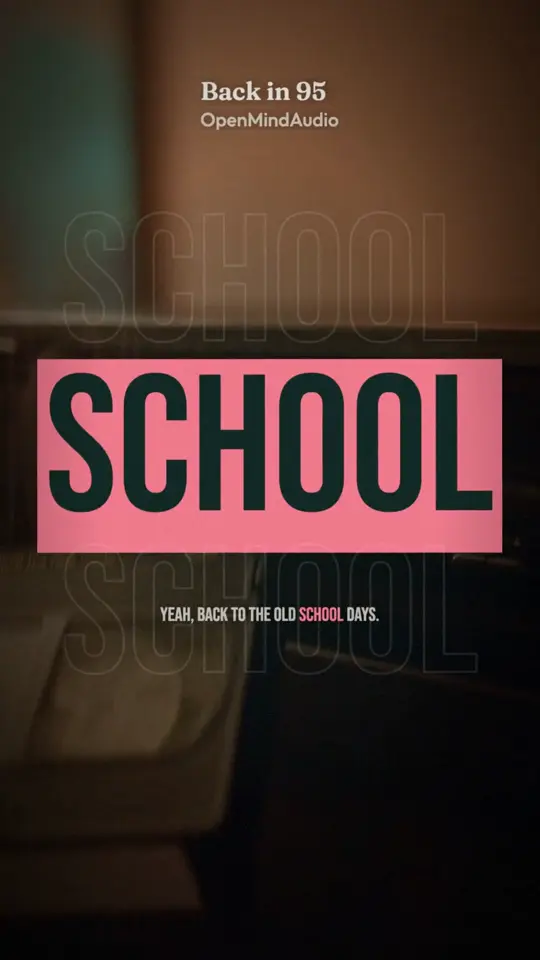
Choose an AI music video with artist photos, a word-timed lyric video, or a Spotify Canvas loop.
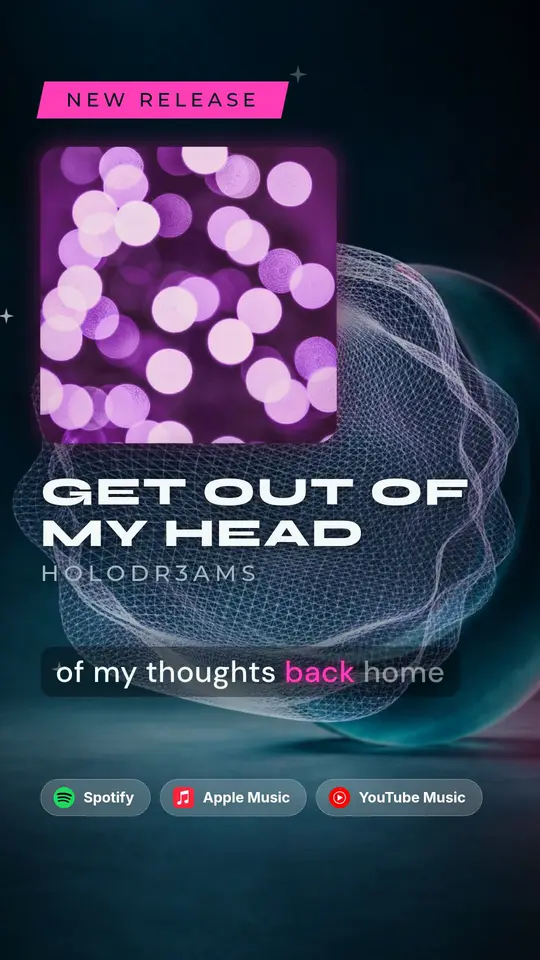
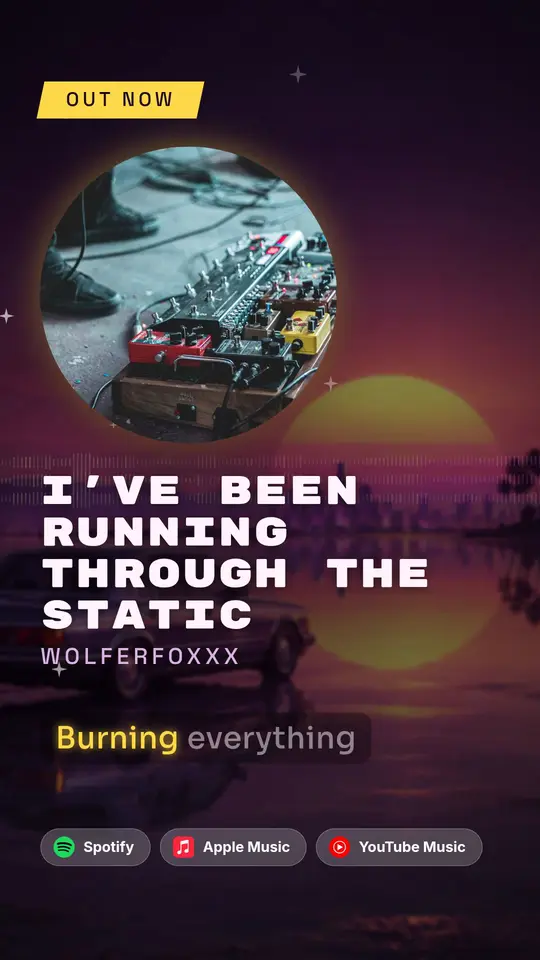
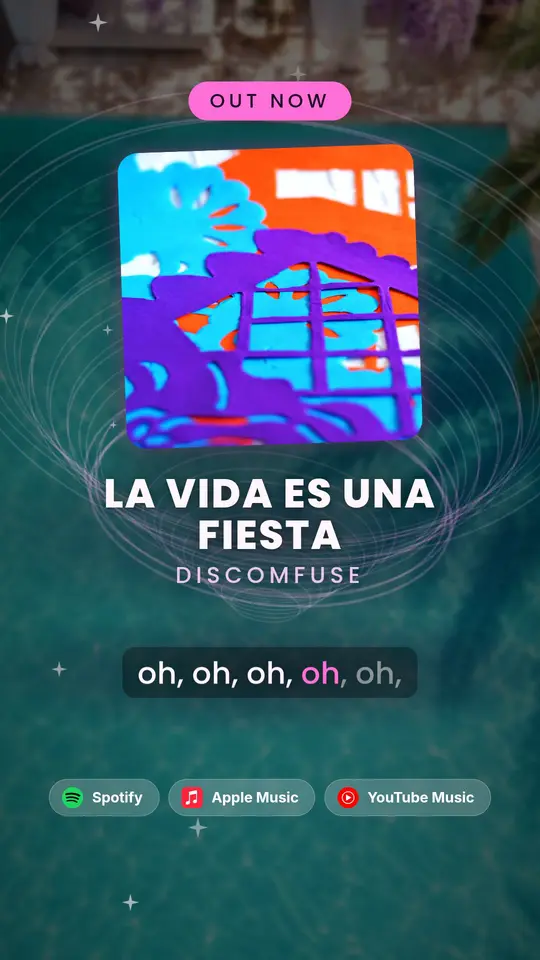 9:16 · 16:9 · 1:1 · Canvas
Distribute with DistroKid, TuneCore or CD Baby, add the Canvas in Spotify for Artists, and post the videos where your fans scroll.
Songs made in Kinetune are yours to release. From Suno or Udio, check that your plan there allows commercial release. No song yet? Make one in Kinetune.
AI vocals can blur words together, and generators don't hand you word timings. Kinetune listens to the finished mix, writes down what is sung and times every word to the vocal, then maps the beats and sections so the motion lands on the music, not just the lyrics.
English, Spanish, Portuguese, French, German, Japanese, Korean and more: pick the language when you add the song, or let it detect it. The release's cover sets the colors, mood and scene of the Look, so the video looks like your release and not like a template.
What one AI song gives you
One song gives you every video. A lyric video opens in the editor if you want to change anything; an AI music video starts with a brief to the director.
Made it in Kinetune? It's already there. From Suno or Udio, download it as MP3 or WAV (M4A works too) and add its cover. For a music video, add artist photos.
A lyric video is ready at once, built from your song. For an AI music video, choose a kind and tell the director about the scenes and the performance.
The exact credit price shows before anything is made, and credits are taken only once the video is delivered.
The visuals are the easy part. A few things to check before the song goes out:
A song made in Kinetune is yours to release. From Suno, Udio or another generator, releasing commercially needs a plan there that allows it.
DistroKid, TuneCore, CD Baby and others take AI music, each with its own rules; most ask at upload whether AI made it. Read them first.
Use cover art you have the rights to, or make one in Kinetune. Your lyric videos and Canvas take their colors and mood from it.
Lyric videos, music videos and Canvas loops made with Kinetune can be used commercially on every plan, subject to the rights in what you upload.
Releasing a lot of songs? Every video is quoted in credits before anything is made, so you know what each release costs.
Plans start at $10 a month with monthly credits, and credit packs from $12 never expire. No paid plan limits quality, resolution or formats.
What a lyric video costs
In one format, by length: clips or a visualizer cost the same
AI clips · on top, only if you make them
Timed to every word, at 1080p, no watermark. Each extra format adds 9 credits per started half-minute.
What an AI music video costs
The artist sings it, credits by length and resolution
Starring the artist’s character, lip-synced to the song. Pick any part of it: the price follows its length, and you see it before anything is made.
What a Canvas for Spotify costs
An 8-second silent loop, 9:16, made to Spotify’s rules
AI clips · on top, only if you make them
You see it play before you make it.
Dollar figures at Creator’s monthly price, 0.80¢ a credit. Yearly plans cost less.
Make a Spotify Canvas for my song “Midnight Drive”. Quote it first.
That’s 43 credits for an 8-second Canvas from the song’s own clips. Shall I make it?
Yes, go.
Done: a 1080×1920 loop, ready to upload in Spotify for Artists.
Works with
Something else? Ask us.