


The release visuals checklist for a single
Everything one single needs to look like a release: the cover, a Spotify Canvas, a lyric video, vertical teasers and a music video, with sizes and timing.
Updated
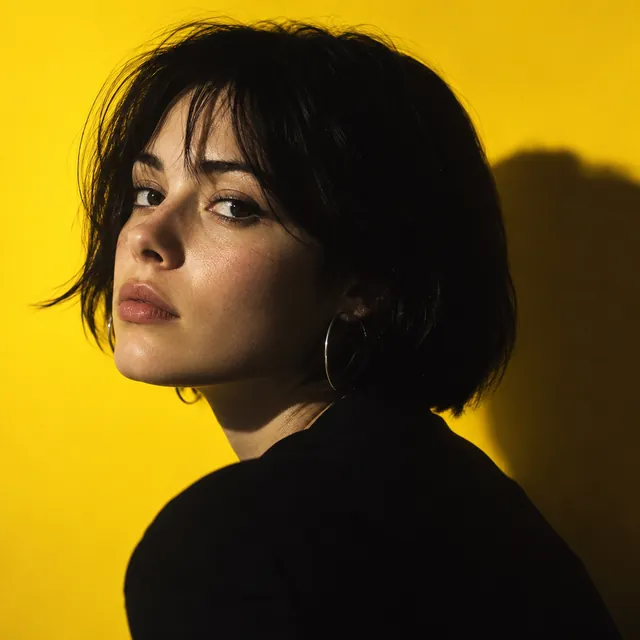
A finished song is half a release. The other half is what people see: the cover in their playlist, the loop behind it in Spotify, the video they find on YouTube, the clip that stops them scrolling. Here's everything one single needs, in the order you'll need it. Tick them off.
The list
| What | Shape and size | Where it goes | Ready by |
|---|---|---|---|
| Cover art | Square, 3000 × 3000, RGB JPG | Your distributor, then every store | Upload day |
| Spotify Canvas | 9:16, 3 to 8 s, MP4 | Spotify for Artists | Before release day |
| Vertical teasers | 9:16, 10 to 30 s | TikTok, Reels, Shorts | 2 to 3 weeks before |
| Lyric video | 16:9, the whole song | YouTube | Release day |
| Square clip | 1:1 | Instagram and Facebook feeds | Release week |
| Music video | 16:9 and 9:16 | YouTube, then cut into clips | Release day or later |
| Link in bio | One page for the release | Every profile's bio | Release day |
1. The cover
The one thing you can't release without. It goes to your distributor with the audio, so it has to be final early. Make it square at 3000 × 3000 in RGB as a JPG: that passes Spotify, Apple Music, DistroKid, TuneCore and CD Baby. Keep words to your artist name and song title, spelled exactly as in the release, and check it still reads at the size of a fingernail.
Details: cover art size and requirements. Kinetune's cover art maker designs covers from the song itself.
2. The Spotify Canvas
The short loop that plays behind your song in Spotify's mobile app. It's free to add, it travels with the song when listeners share it to Instagram Stories, and you can add it to an upcoming release, so it's there on the first play. A few calm seconds of your own footage or the cover's colours are enough; one look across every track of a release reads as a set.
Details: Canvas size and rules and how to add it.
3. Vertical teasers
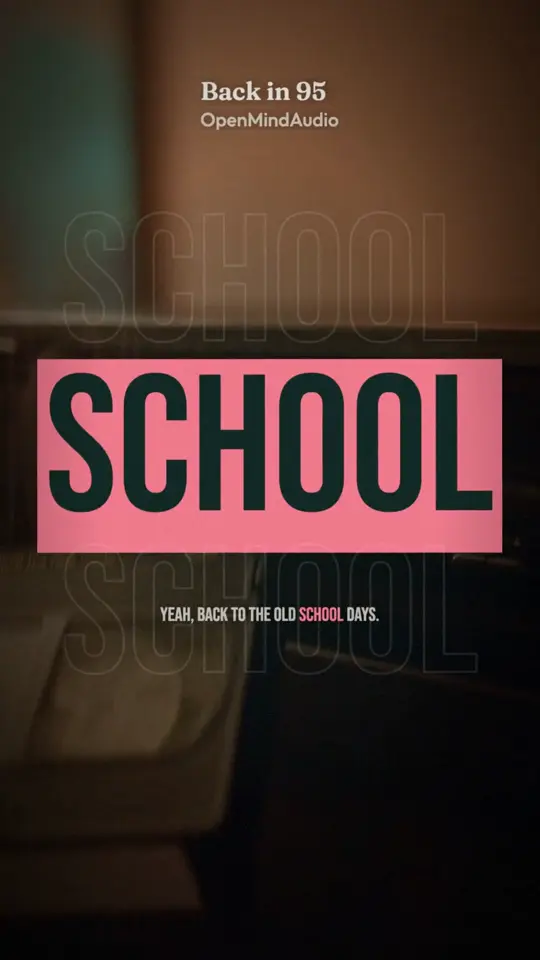
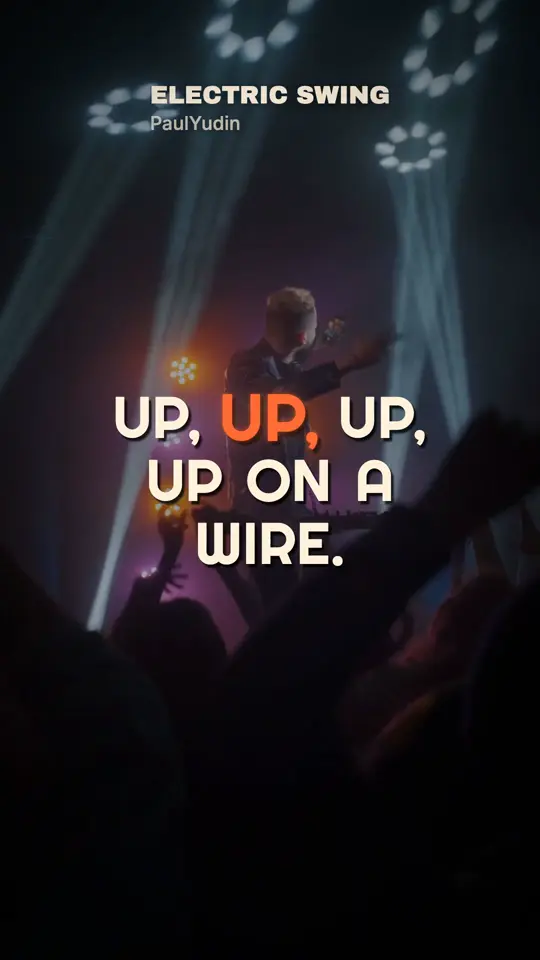
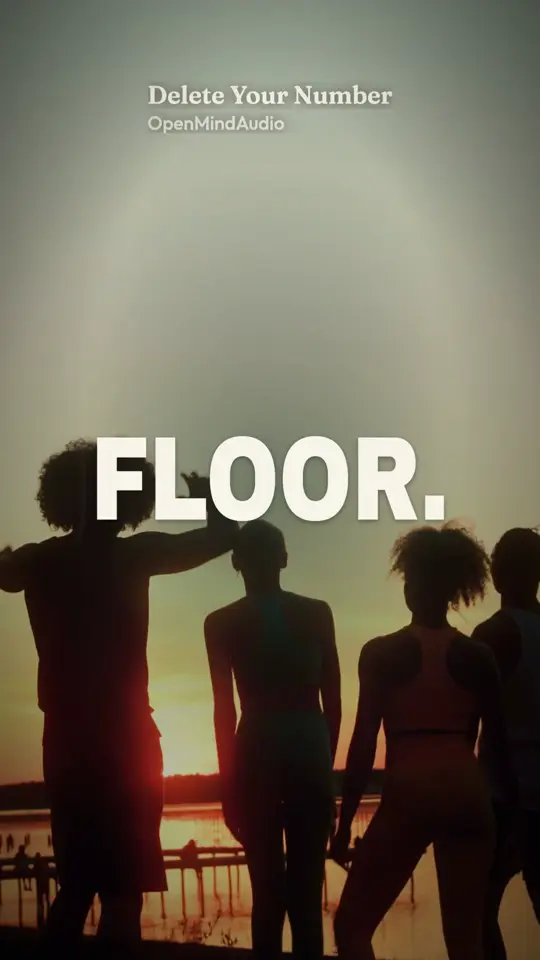
Two or three clips of the hook, 9:16, posted in the weeks before release so the line is familiar on the day. One lyric clip that teaches the words, one performance or behind-the-song clip. Keep the words in the middle of the frame, clear of the apps' buttons and captions.
Details: how to promote a song on TikTok.
4. The lyric video
The whole song in 16:9 for YouTube, up on release day. It's what people find when they search the song, and it keeps getting views long after the release week. Add a vertical cut of the chorus as a Short.
Details: how to make a lyric video and the YouTube lyric video checklist.
5. The square clip
Feeds on Instagram and Facebook still show square posts well. A 1:1 cut of the lyric video's chorus is enough.
6. The music video, if the song can carry it
Not every single needs one. If this is the song you're pushing hardest, a music video gives you the big release-day post on YouTube and a dozen vertical clips for the weeks after. Shoot it in the shape you'll use most, or both.
Not sure which to make? Lyric video, visualizer or music video compares the three, and music video ideas helps you pick one.
7. The link in your bio
Every post points to one link, so make it a page that has the new release on top with where to listen, the videos you just made, and your other releases and profiles. Update it on release day and every post sends fans to the song. A free artist page at kinetune.com/@you does this from your catalogue.
One upload, every visual
Kinetune makes all of these from your song: upload it once and make the cover, the Canvas, lyric videos in 9:16, 16:9 and 1:1 (each laid out for its own screen) and a music video. Every word is timed to your vocal, and every video shows its price before anything is made.
A lyric video of a 2:47 song, one format
- 15 s49credits≈ 39¢
- 30 s49credits≈ 39¢
- 1 min57credits≈ 46¢
- Whole song, 2:4790credits≈ 72¢
AI clips, if you make some: each on top, an image 6 credits, a video from 141 credits.
Dollar figures at Creator’s monthly price, 0.80¢ a credit. Yearly plans cost less.
An 8-second Canvas
- From clips, the cover or a visualizer43credits≈ 34¢
AI clips, if you make some: each on top, an image 6 credits, a video from 141 credits.
Dollar figures at Creator’s monthly price, 0.80¢ a credit. Yearly plans cost less.