



A Canva alternative for lyric videos
In Canva you type each lyric and time every line by hand. Kinetune hears the words in your vocal and times each one for you. Fair facts, dated.
Updated
What Canva is best at
Canva is a design tool for everything, and its lyric videos are templates you make your own: dozens of lyric video templates, a full editor for type, color and images, and the rest of Canva's library behind them. You can share straight to Instagram, TikTok, Facebook and YouTube, and the free plan exports video up to 1080p.
If you already design your posters, posts and covers in Canva, and want full control over every frame, it's a natural place to make a lyric video too.
How the lyrics get timed
This is the big difference. In Canva, per its own lyric templates page, you upload your song, type in your lyrics, add a page for each new line, and adjust each page's length to match the line. Beat Sync, a Pro feature, cuts pages on the beat, but it follows the beat, not the words. Auto-captions are built for speech.
Kinetune does that part for you. It hears the lyrics in the vocal and times every word to it, then animates each word as it's sung. Paste your own lyrics if you like, and it lines them up with what it heard.
Where Kinetune is different
- Every word timed for you, not every line by hand.
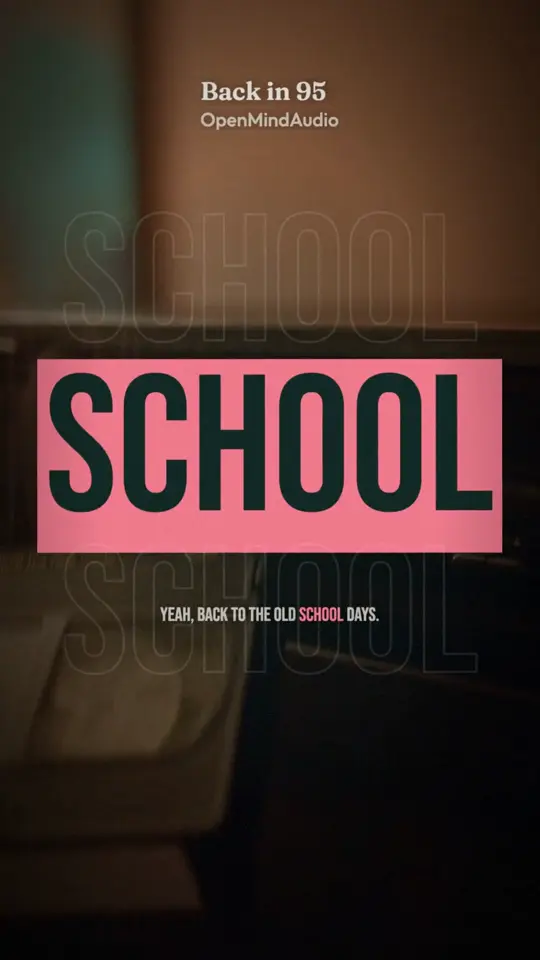
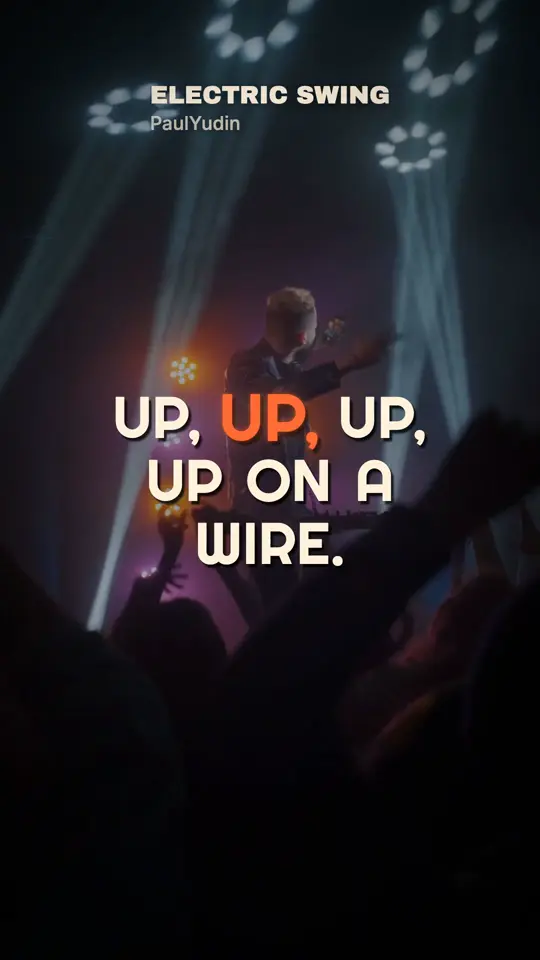
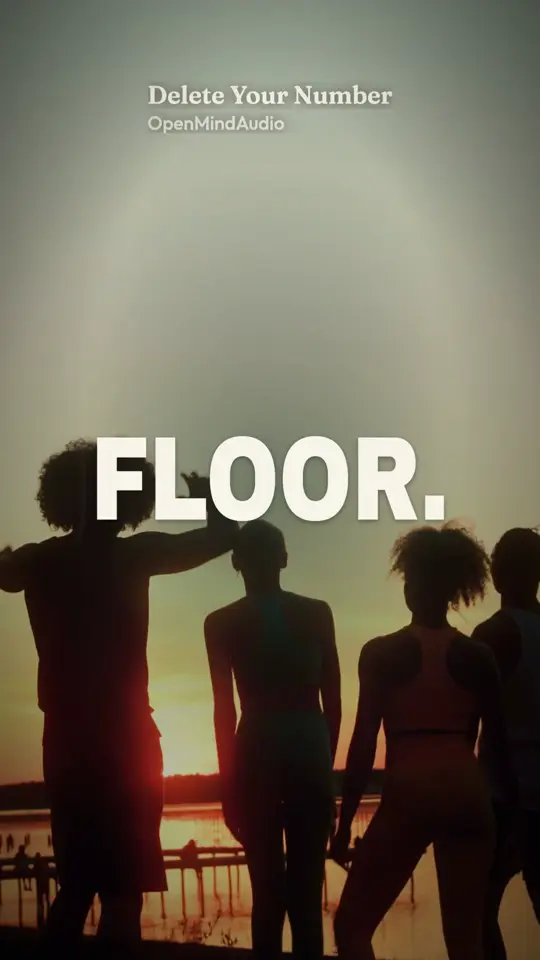
- Drafted for the song, then yours to change. Kinetune drafts the video in seconds, clips cut on the beat in one of 63 lyric styles; then you change any word, cut or clip in the editor.
- Each shape laid out for its screen. 9:16 for Shorts, Reels and TikTok or 16:9 for YouTube, each composed for its frame rather than cropped from another.
- The rest of the release. AI music videos with your artist, lip-synced; a Spotify Canvas; a cover for each song at 3000 × 3000.
Side by side
| Canva | Kinetune | |
|---|---|---|
| How lyrics are timed | By hand, one page per line | Every word timed to the vocal |
| Design | Templates in a full editor | Drafted from your song, then an editor made for songs: words, cuts, clips |
| Music video with your artist | 8-second AI clips from a text prompt | Yes, lip-synced, from their photo |
| Spotify Canvas | No Canvas templates found | Yes, 3 to 8 second loops |
| Cover art | Album cover templates | Designed for each song, 3000 × 3000 |
| Developers | MCP server and Connect APIs | REST API, MCP, CLI, n8n |
| Price model | Free, Pro and Business plans | A plan and credits, each video's price shown first |
Canva's plan prices depend on your country, so we don't quote them here; its pricing page shows yours.
What a Kinetune lyric video costs
Kinetune's Free plan makes a song, 3 lyric videos and a Canvas a month, lyric videos up to a minute of your song, with no watermark. On a plan, here's what one costs today:
A lyric video of a 2:47 song, one format
- 15 s49credits≈ 39¢
- 30 s49credits≈ 39¢
- 1 min57credits≈ 46¢
- Whole song, 2:4790credits≈ 72¢
AI clips, if you make some: each on top, an image 6 credits, a video from 141 credits.
Dollar figures at Creator’s monthly price, 0.80¢ a credit. Yearly plans cost less.
Sources
- Canva: lyric video templates, checked
- Canva: music video maker, checked
- Canva Help: syncing audio with video (Beat Sync), checked
- Canva Help: captions on videos, checked
- Canva Help: downloading as video, checked
- Canva: album cover templates, checked
- Canva: pricing, checked
- Canva Developers: MCP server, checked